QR Menu tableside
Guests order drinks, extra items, or the check without waiting for the server
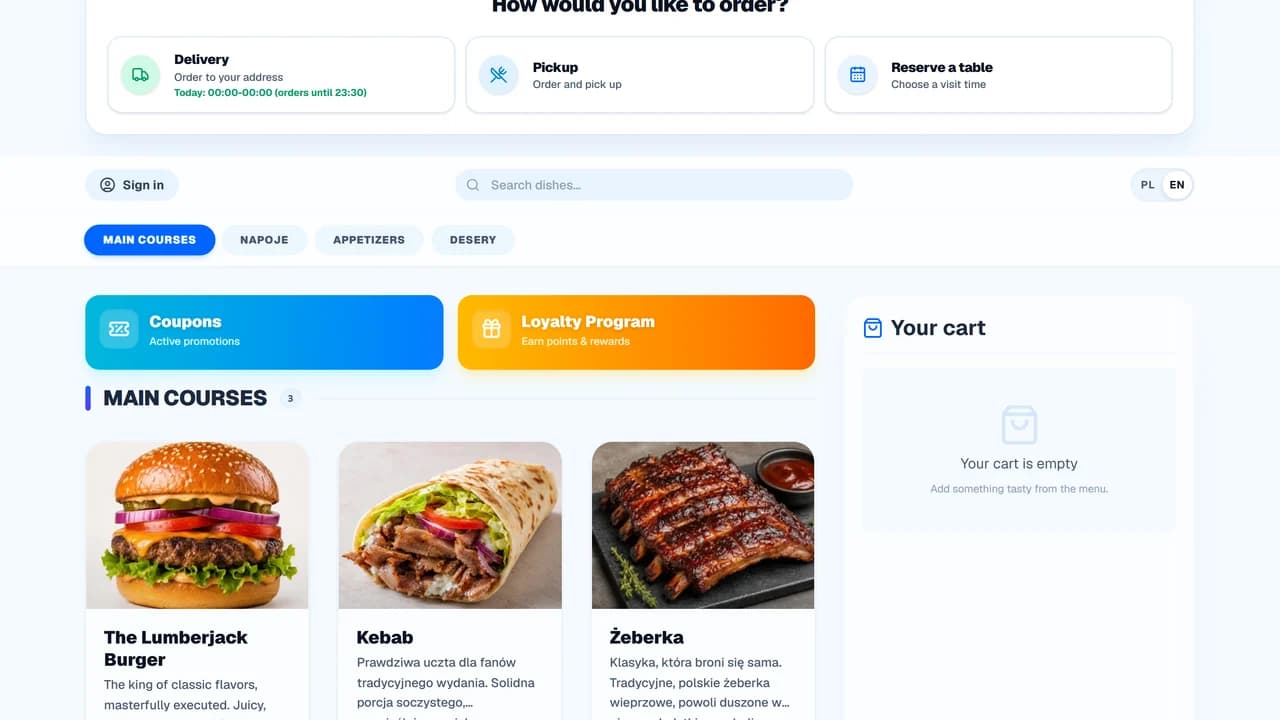
OrderNow's QR menu gives guests instant access to your menu and ordering flow right from their phones-no app download required. Servers don't have to walk back and forth just to hand over menus, take a drink reorder, or collect a bill request.
Tableside flow
Table to kitchen to bill handoff
Scans the QR code at the table
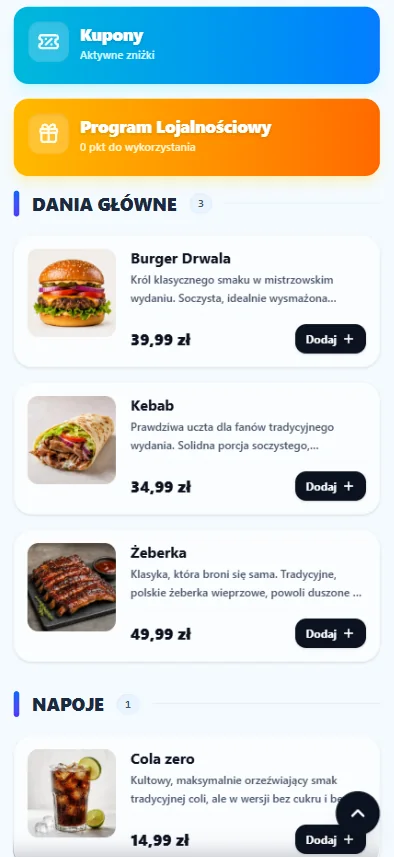
The menu opens instantly in their phone's browser without requiring any app install or downloading large PDF files.
Selects dishes, sides, or drinks
Items, variations, and special notes are compiled in a single cart, matching the menu structure set by the restaurant.
Sends order to preparation
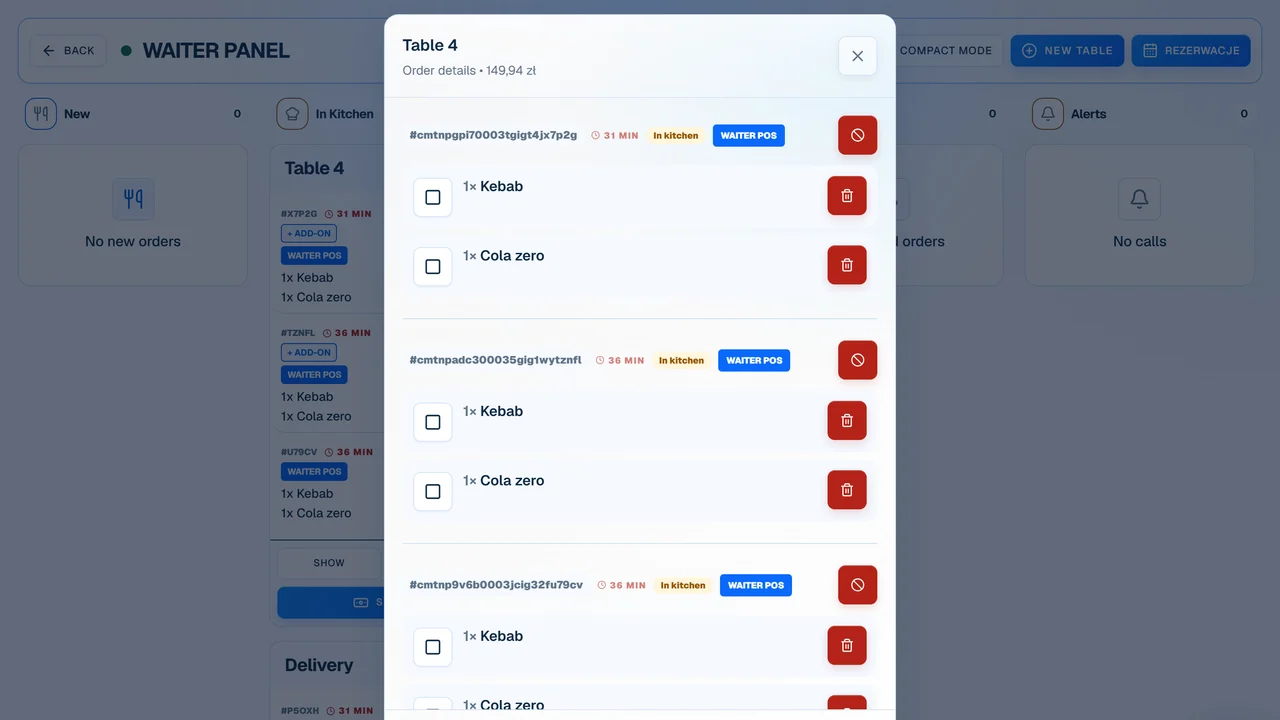
The order goes straight to the FOH staff or kitchen queue depending on your configuration, bypassing manual re-entry.
Monitors and steps in where needed
The crew can focus on tables that need active hospitality instead of manually running every routine order request.
In short
What this feature changes in daily work
What it does
fewer simple requests to the server
A tableside QR menu for restaurants that lets guests browse, reorder, and request the check from their phone, matching your exact service workflow.
Who it helps
patios, beer gardens, and large dining rooms with long server walks
It works best where guests reorder frequently, layout spans a large area, or servers make too many repetitive trips to the same tables.
Works with
KDS, Server Panel, Add-on prompts
A QR menu is most effective when connected. Mobile orders shouldn't end up as text messages to rewrite, but flow right through your workflow.
Before / after
Before and After: Paper Menu vs. QR Menu
Most server time isn't spent on meaningful host-guest hospitality. It's lost in simple steps: handing menus, taking side orders, bringing the check, returning with the terminal, and visiting the same table repeatedly.
Process
How the table-to-kitchen flow works
A QR menu doesn't have to replace your staff. It takes care of the simple steps guests can easily do themselves, freeing up your servers to focus on hospitality, recommendations, and high-value guest service.
Scans the QR code at the table
The menu opens instantly in their phone's browser without requiring any app install or downloading large PDF files.
Selects dishes, sides, or drinks
Items, variations, and special notes are compiled in a single cart, matching the menu structure set by the restaurant.
Sends order to preparation
The order goes straight to the FOH staff or kitchen queue depending on your configuration, bypassing manual re-entry.
Monitors and steps in where needed
The crew can focus on tables that need active hospitality instead of manually running every routine order request.
Requests the bill
Guests can request the bill from their phone. Payment remains handled by the restaurant outside OrderNow.
Fit
Where a QR Menu fits best
It works best where guests reorder frequently, layout spans a large area, or servers make too many repetitive trips to the same tables.
Where a QR Menu fits best
It works best where guests reorder frequently, layout spans a large area, or servers make too many repetitive trips to the same tables.
- patios, beer gardens, and large dining rooms with long server walks
- casual dining spots, pizzerias, bars, cafes, and lunch venues
- venues operating with lean staff shifts
- spots with frequent reorders (e.g., draft beer, sides, desserts)
- restaurants looking to update menu availability instantly without reprint costs
When a QR Menu is not the first priority
A QR menu shouldn't patch over basic service issues. Sort out menu consistency, pricing, and Wi-Fi coverage first.
- fine dining where high-touch tableside service is the core guest experience
- venues with poor cell service or unstable internet at guest tables
- menus, prices, and item availability are not yet structured
- the team hasn't decided whether QR should accept orders or just show the menu
What to measure
What to measure after implementation
Judge a QR menu by how much it reduces routine server tasks and speeds up table turnover, not just the raw scan count.
Routine server trips
Track if servers make fewer trips solely to hand menus, take drink reorders, or bring the card reader.
Tableside reorders
Observe if guests order more drinks, sides, and desserts when they can do so instantly.
Time to first order
Compare how quickly guests place their first order during quiet hours vs peak rushes.
Menu accuracy
Track if you have fewer complaints about outdated prices or unavailable items.
OrderNow ecosystem
How QR Menu integrates with OrderNow
A QR menu is most effective when connected. Mobile orders shouldn't end up as text messages to rewrite, but flow right through your workflow.
KDS
QR orders go straight to the kitchen screen along with tableside and online orders.
Add-on prompts
Upsells, extras, and sets are shown naturally during checkout without being intrusive.
Online Ordering System
Use the same menu layout and settings for dine-in tables, pickup, and direct deliveries.
Current feature
QR Menu for restaurants
Flow in the system: Table to kitchen to bill handoff
FAQ before implementing QR Menu
Does a guest need to download an app?
No. The QR menu opens instantly in any mobile browser once scanned.
Does the QR menu replace servers?
No, and it usually shouldn't. It is designed to assist with routine interactions: viewing the menu, adding a drink, and paying.
Do orders go directly to the kitchen?
It is completely up to you. You can route orders to the FOH staff for validation, straight to the kitchen screen, or to a specific station queue.
Can I keep only menu browsing or ordering?
Yes. You can use the system as a digital menu only or as a menu with ordering. OrderNow does not process guest payments.
Can I update the menu without printing new QR codes?
Yes. Any updates to items, prices, or descriptions in the portal reflect on the digital menu instantly. The printed codes on tables remain the same.
Does this make sense for a table-service restaurant?
Yes, if it saves steps and routine tasks for your staff without cold-shouldering guests. For full-service dining, we recommend starting with the menu-only or order-assist mode.
Demo without overpromises
See if a QR Menu can save steps in your service
On our demo call, we'll look at the tableside flow, prep views, bill handoff, and restaurant-side payment process to find the right setup for your dining room.