Skip to content

Suggested Selling

Sell add-ons exactly when the guest is choosing a dish

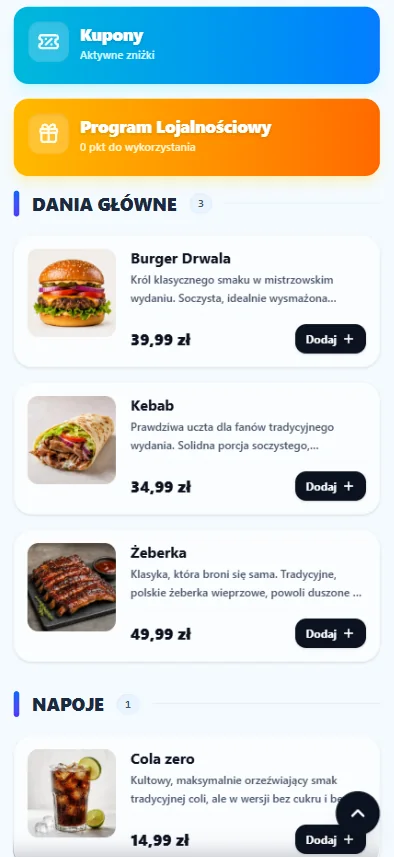
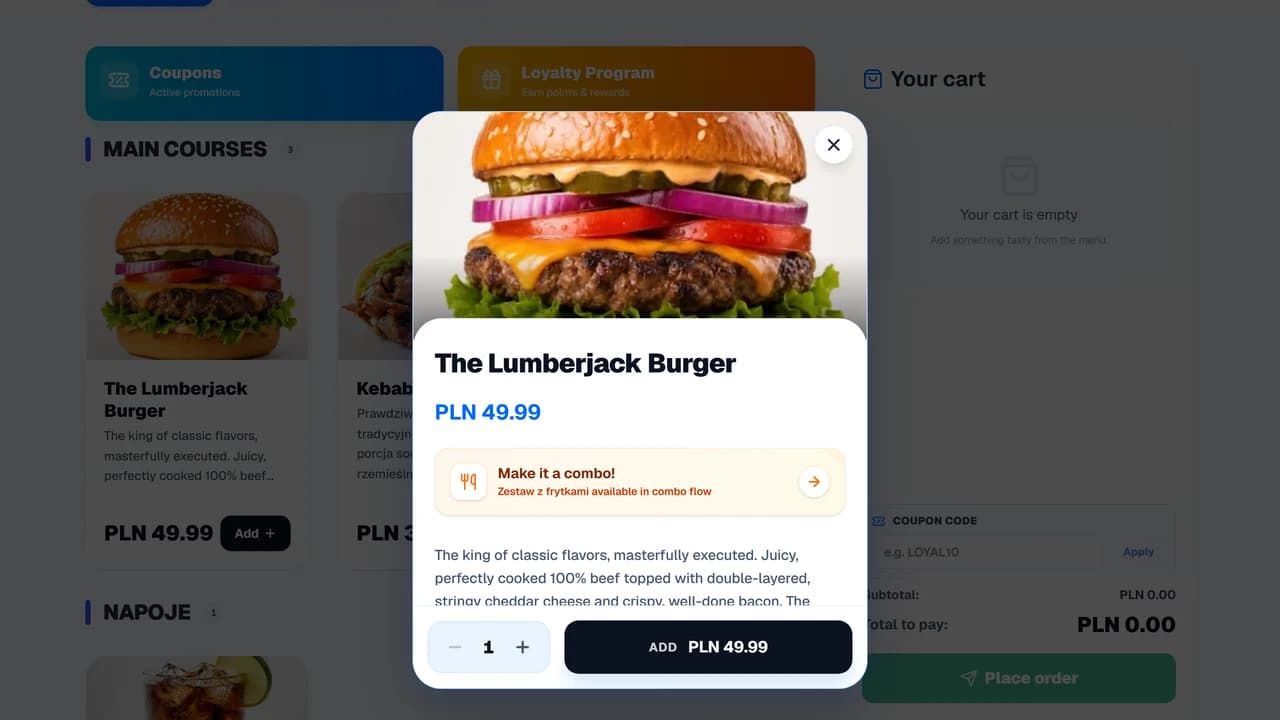
Sales Engine helps suggest add-ons, drinks, and sets right at the moment of ordering, where the purchase decision is already being made. This means the restaurant doesn't rely solely on the waiter's memory or manual menu promotions.

add-on suggestions for specific dishes
higher repeatability of suggested sales
better exposure for high-margin products
less reliance on team's memory

Moment of decision

Dish → suggestion → add-on

Manager1

Selects products to promote

The restaurant defines add-ons, drinks, and sets worth showing alongside specific dishes or categories.

System2

Shows suggestion at the right moment

The proposal appears right when the guest or waiter is placing the order and making decisions.

Guest or Waiter3

Sees a matching proposal

The suggestion might be a sauce, drink, dessert, a larger set, or another relevant add-on tailored to the item.

Where a restaurant loses add-on sales

The problem usually isn't that guests don't want add-ons. Often they don't see them at the right time, or the team lacks the time to offer them consistently.

Add-ons are hidden in the menu

Sauces, drinks, desserts, or set upgrades are on the menu, but the guest has to search for them.

Waiters only remember suggestions sometimes

On a quiet day, suggestions happen more often. During a rush, the team focuses solely on taking orders quickly.

High-margin products lack exposure

The restaurant knows what should sell more, but there is no consistent spot where this proposal appears during the order.

Hard to know which suggestions work

Without data, it's difficult to tell a good proposal from an add-on that just takes up menu space.

How an add-on suggestion works during an order

The Sales Engine should support the moment of choice, not act like a pushy salesperson. First, you must specify what to offer and where it makes sense.

Manager01

Selects products to promote

The restaurant defines add-ons, drinks, and sets worth showing alongside specific dishes or categories.

System02

Shows suggestion at the right moment

The proposal appears right when the guest or waiter is placing the order and making decisions.

Guest or Waiter03

Sees a matching proposal

The suggestion might be a sauce, drink, dessert, a larger set, or another relevant add-on tailored to the item.

Operations04

Order moves forward with add-ons

Once accepted, the add-on becomes part of the order and proceeds to the kitchen or bar.

Owner05

Checks which suggestions to keep

Reports show which proposals are chosen and which ones need to be changed or disabled.

Before & After: team memory vs order suggestions

Moment of proposal
Old processWaiter suggests an add-on if they remember and have time.
OrderNowSuggestion appears with a specific dish during ordering.
Add-on selection
Old processProposals are intuitive and vary between shifts.
OrderNowAdd-ons, drinks, and sets are linked to items or categories.
Sales channels
Old processSuggested selling mainly works in tableside conversations.
OrderNowThe same rules can support QR Menu, waiter panel, and online orders.
Menu decisions
Old processOwner evaluates add-ons based on gut feeling.
OrderNowYou can measure which suggestions are chosen and which need replacing.

Which venues benefit most from Sales Engine

It works best where guests often add something to their dish, and the venue knows which products to highlight.

  • pizzerias, burger joints, sushi, kebab shops, and cafes
  • venues with add-ons, sauces, drinks, desserts, or sets
  • restaurants using QR Menu, waiter panel, or online ordering
  • places where the team rarely suggests high-margin products

When Sales Engine isn't the first priority

Suggestions won't fix a menu that lacks logical add-ons or organized variants.

  • very short menus without add-ons or sets
  • venues without organized products, variants, and prices
  • fine dining, where suggestions should arise naturally from waiter interaction
  • stages where organizing the basic order flow is more important

What to measure after deploying Sales Engine

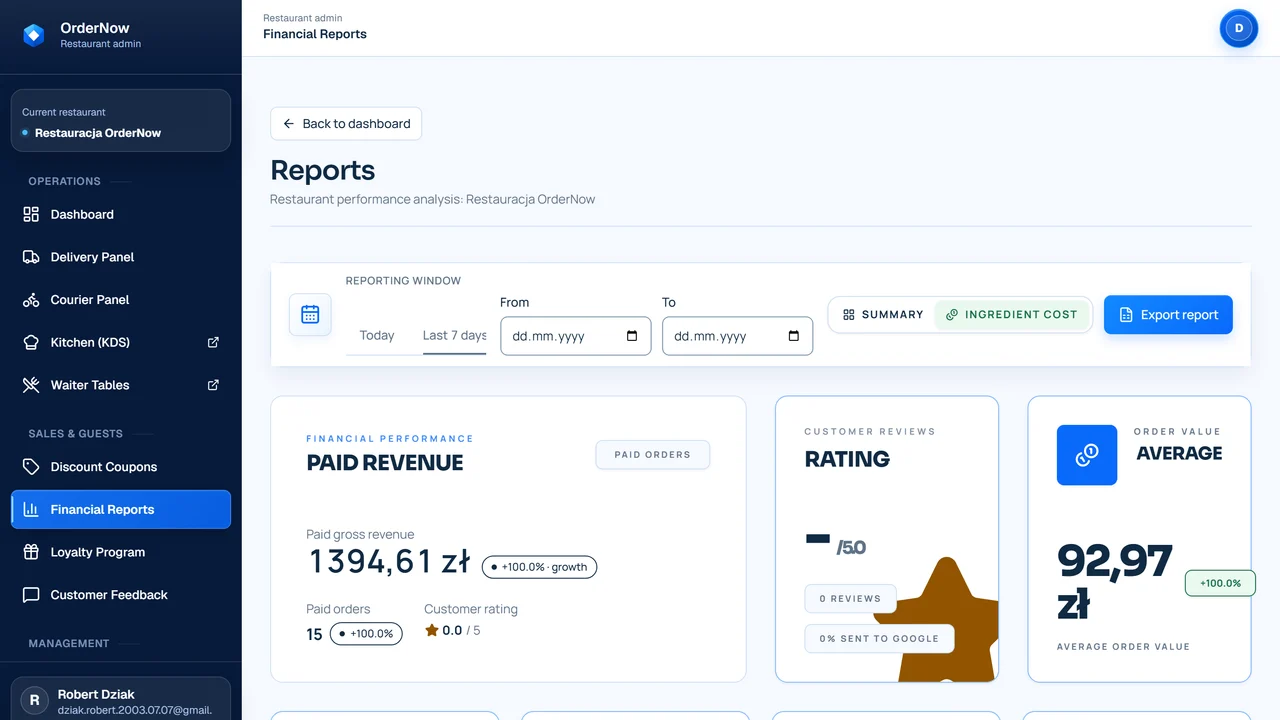
It's not about promising a magical percentage increase. The module's value is seen when more orders include add-ons and suggestions help promote the right products.

Share of orders with an add-on

Check which dishes prompt guests to add a sauce, drink, dessert, or set more often.

Average basket value

Compare basket sizes across channels and shifts, without assuming every suggestion will raise the result.

Sales of promoted products

Observe whether high-margin products actually gain better exposure in the order flow.

Suggestion effectiveness per channel

Separate QR Menu, waiter panel, and online, as proposals may perform differently in each process.

Suggestions require an updated menu, sensible product pairings, and regular result tracking. Without this, they just become another cluttered layer in the order.

Questions from owners before deploying Sales Engine

Does Sales Engine work automatically?

Not magically. First, you need to set up products, add-ons, and rules, then check which suggestions work in practice.

Can I choose which add-ons to promote?

Yes. The restaurant decides which add-ons, drinks, desserts, or sets appear with specific dishes.

Do suggestions appear in the QR Menu?

Yes, if the venue uses QR Menu and has the tableside ordering flow configured.

Can the waiter use suggestions too?

Yes. Prompts can support the waiter during order taking, but they don't replace their interaction with the guest.

How do I measure suggestion effectiveness?

Check the share of orders with add-ons, sales of promoted items, average basket size, and differences between channels.

Does this make sense for a short menu?

Not always. If the menu has no add-ons, sets, or products to pair logically, Sales Engine won't be a priority.

Demo with no overpromises

Check where your menu loses add-on sales

During the demo, we'll go through specific dishes, add-ons, and sales channels to see if suggestions make sense in your venue.